Chronicle
A downloadable tool for Windows, macOS, and Linux
Chronicle is a local campaign journal for tabletop RPGs.
Log your sessions, keep track of characters and locations, connect your notes into a living wiki — and keep everything on your own computer as plain Markdown files.
No account. No cloud service. No subscription. No database locking your notes away.
Just your campaign.
Built for the moments around the table
Chronicle is designed around the way you actually play.
During a session, you don't want to stop the game every few minutes to organise your notes.
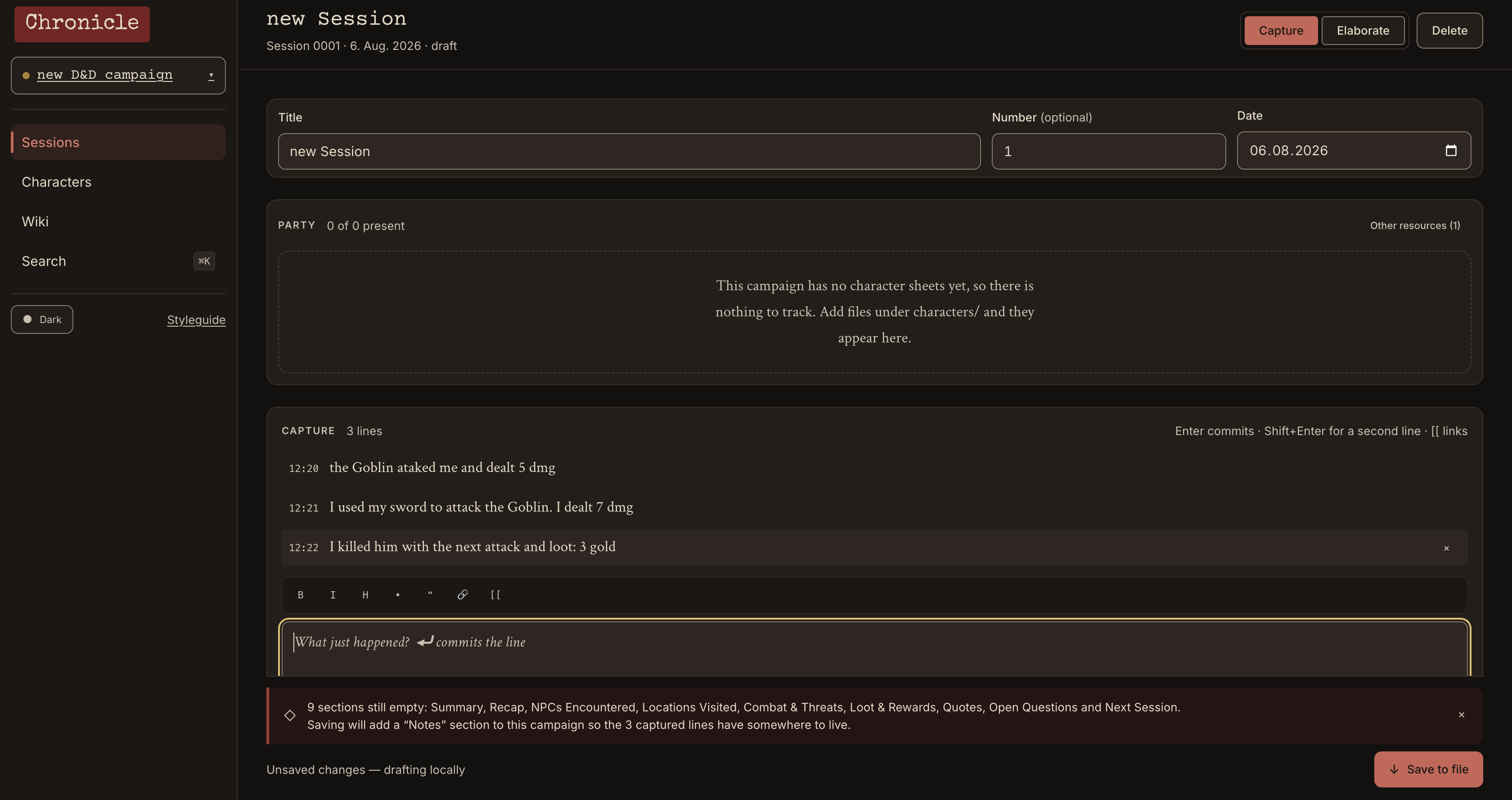
That's what Capture Mode is for.
Write quick notes as things happen:
Gorm is down to 23 HPRanna mentioned the old watchtowerthe goblins are being paid with guild coins??
Press Enter.
Chronicle timestamps and saves the note.
That's it.
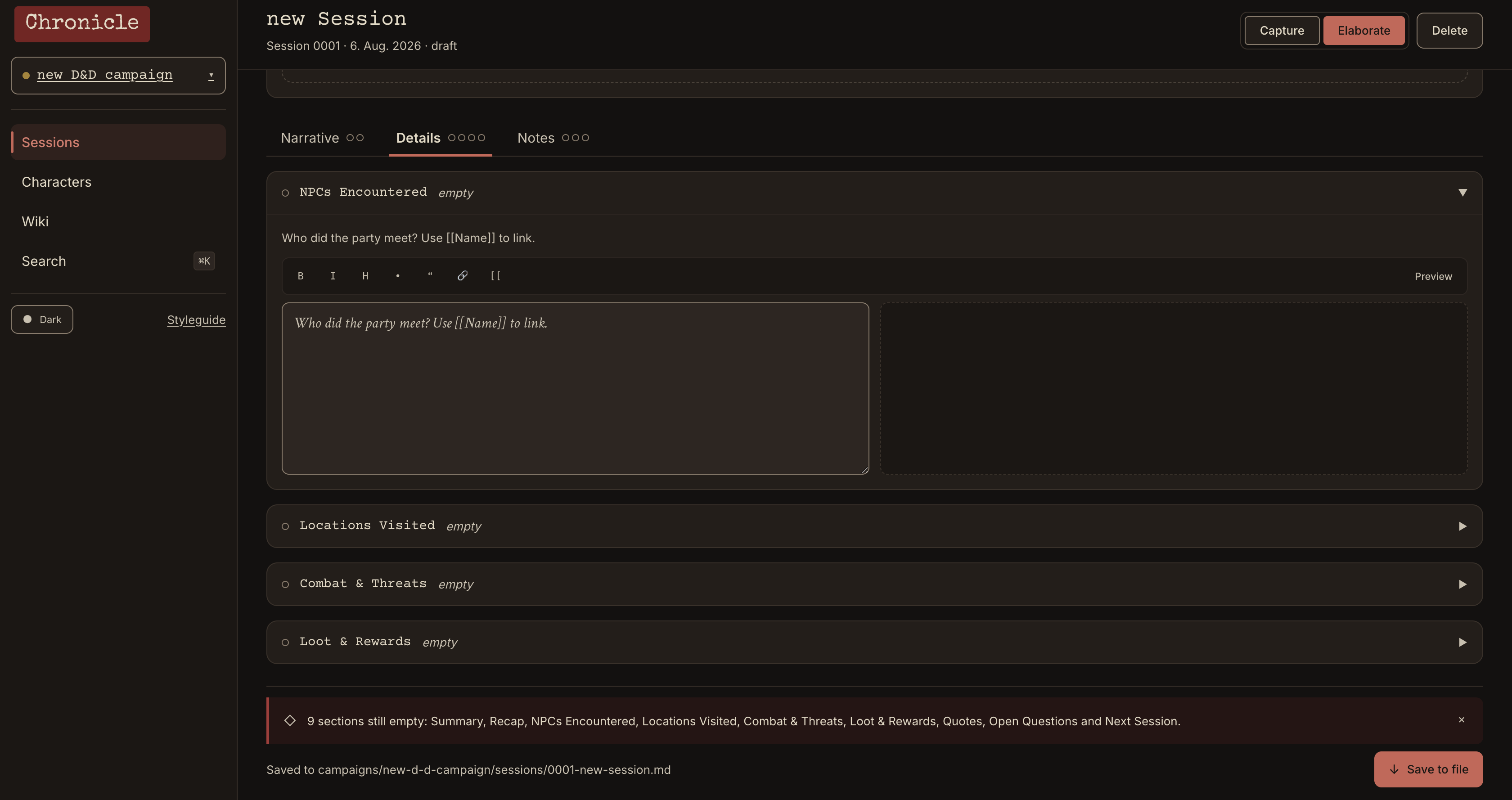
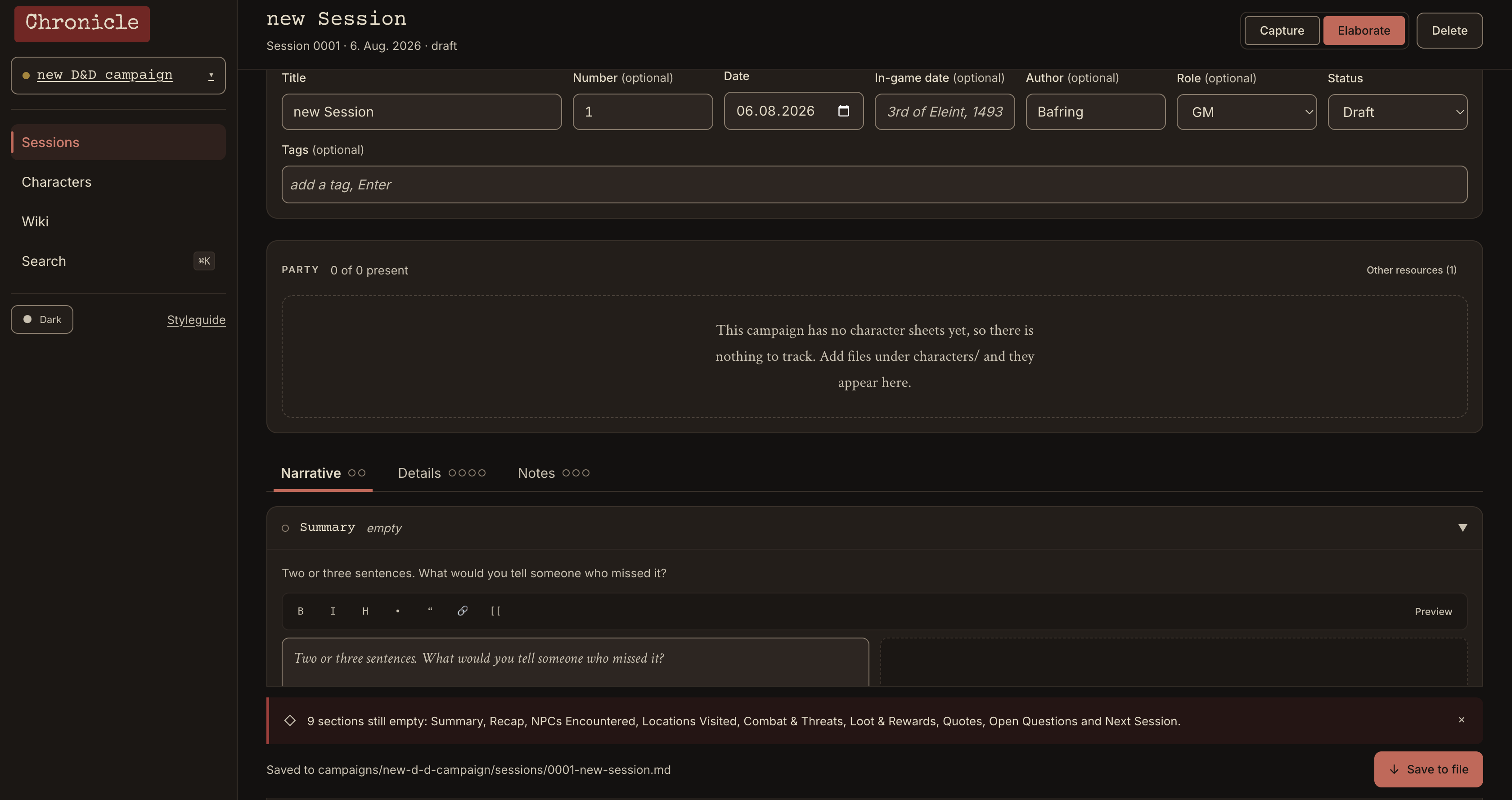
Later, switch to Elaboration Mode and turn those fragments into a proper session record.
Organise your session into:
- Summary
- Full recap
- NPCs
- Locations
- Combat
- Loot
- Quotes
- Open questions
- Notes for next session
Your captured notes stay alongside the editor, so you can turn your messy table notes into a proper chronicle without losing the little details.
A wiki that grows with your campaign
This is where Chronicle gets interesting.
You don't have to build a wiki before you start playing.
Just write:
[<span class="text-token-text-primary cursor-text rounded-sm">[Ranna the Cartographer]</span>]
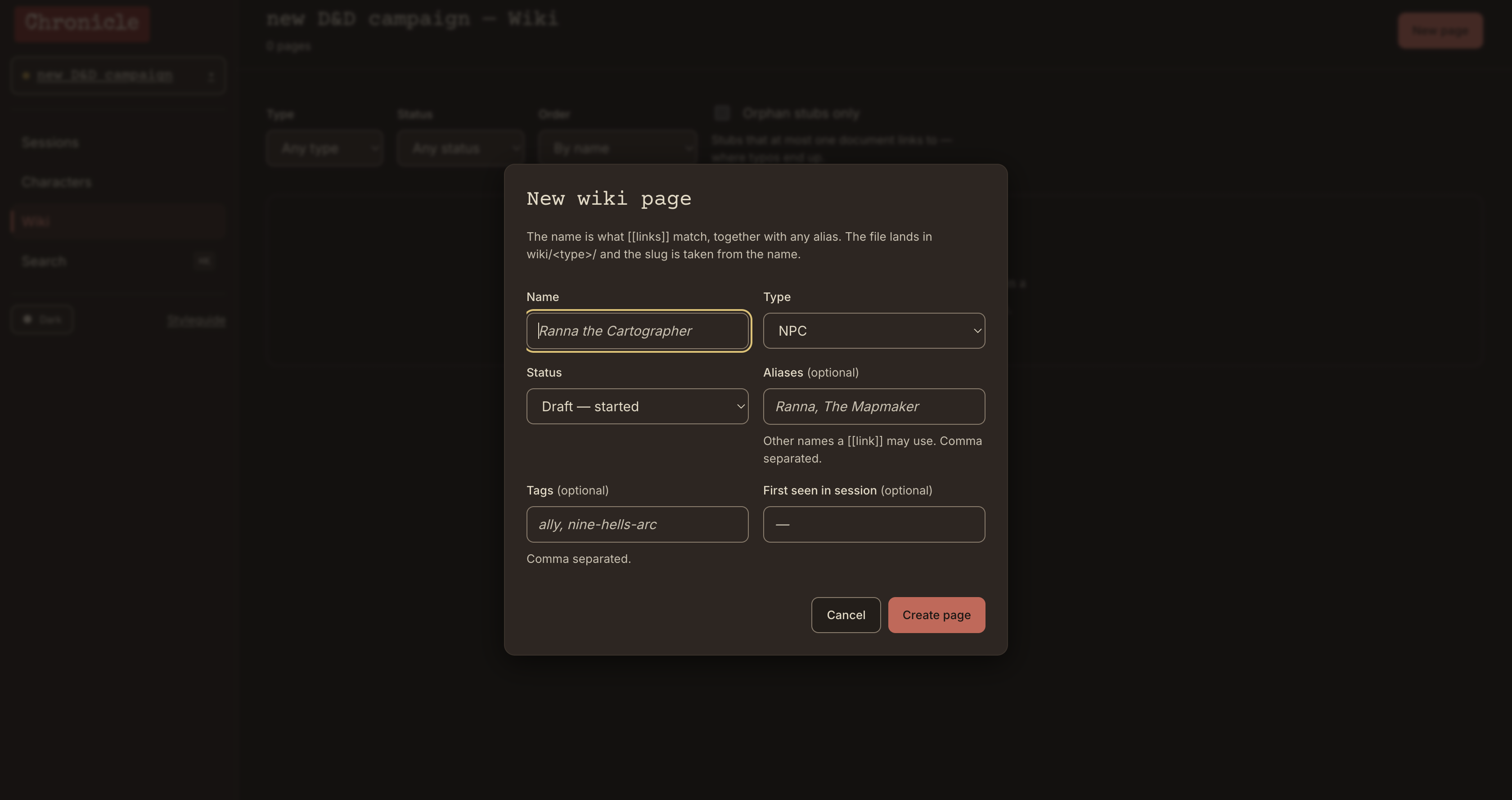
Chronicle turns it into a link and automatically creates an entry for Ranna.
Do the same with locations, items, factions, creatures or anything else you want to keep track of.
Your campaign wiki grows naturally from your session notes.
Every entity page also shows backlinks — the sessions that mention it, including the surrounding sentence.
So instead of wondering:
"Where did we meet this NPC again?"
you can actually see where they appeared.
You can even specify an entity type:
[<span class="text-token-text-primary cursor-text rounded-sm">[location:Goblin Caves]</span>]
or use custom display text:
[<span class="text-token-text-primary cursor-text rounded-sm">[Ranna the Cartographer|Ranna]</span>]
No complicated knowledge-base setup.
Just write your campaign.
GM secrets stay separate
Some information isn't meant for your players.
The real reason behind the villain's actions. The monster waiting behind the next door. Your plans for the next session.
Chronicle supports GM-only notes that are visually separated and hidden by default.
There's also a quick toggle to hide GM content when someone is looking over your shoulder.
More importantly, GM content is stored separately from player-facing session content.
So your campaign notes aren't just organised — they're designed with the realities of running a game in mind.
Your campaign is made of files
This is probably the most important thing about Chronicle:
Your notes belong to you.
Chronicle saves your campaigns as ordinary .md files on your computer.
Not inside a proprietary database.
Not locked inside a subscription service.
Not dependent on Chronicle being around forever.
You can open the files with any text editor. You can back them up yourself. You can move them to another computer.
If you stop using Chronicle someday, your campaign notes are still Markdown files.
That's intentional.
Find anything quickly
Press Ctrl + K on Windows/Linux or ⌘ + K on macOS.
Search across your sessions and wiki entries from one place.
Chronicle is designed so that you don't have to remember where you wrote something.
Just search for it.
Currently included
- Campaign management
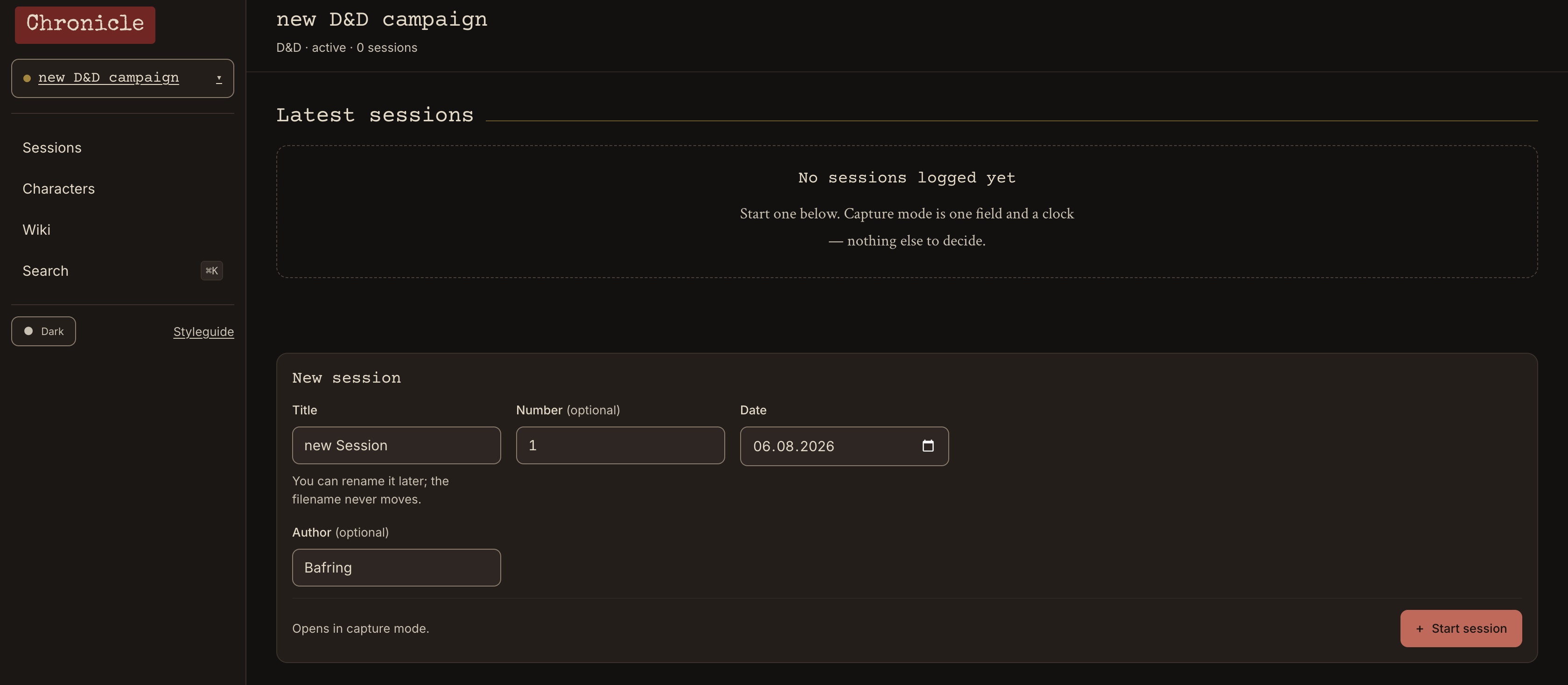
- Session logs
- Quick timestamped capture mode
- Structured session write-ups
- Automatically generated wiki entries
[<span class="text-token-text-primary cursor-text rounded-sm">[Wiki Links]</span>]- Backlinks between sessions and entities
- NPCs, locations, items, factions and creatures
- GM-only notes
- Full-text search
- Keyboard shortcuts
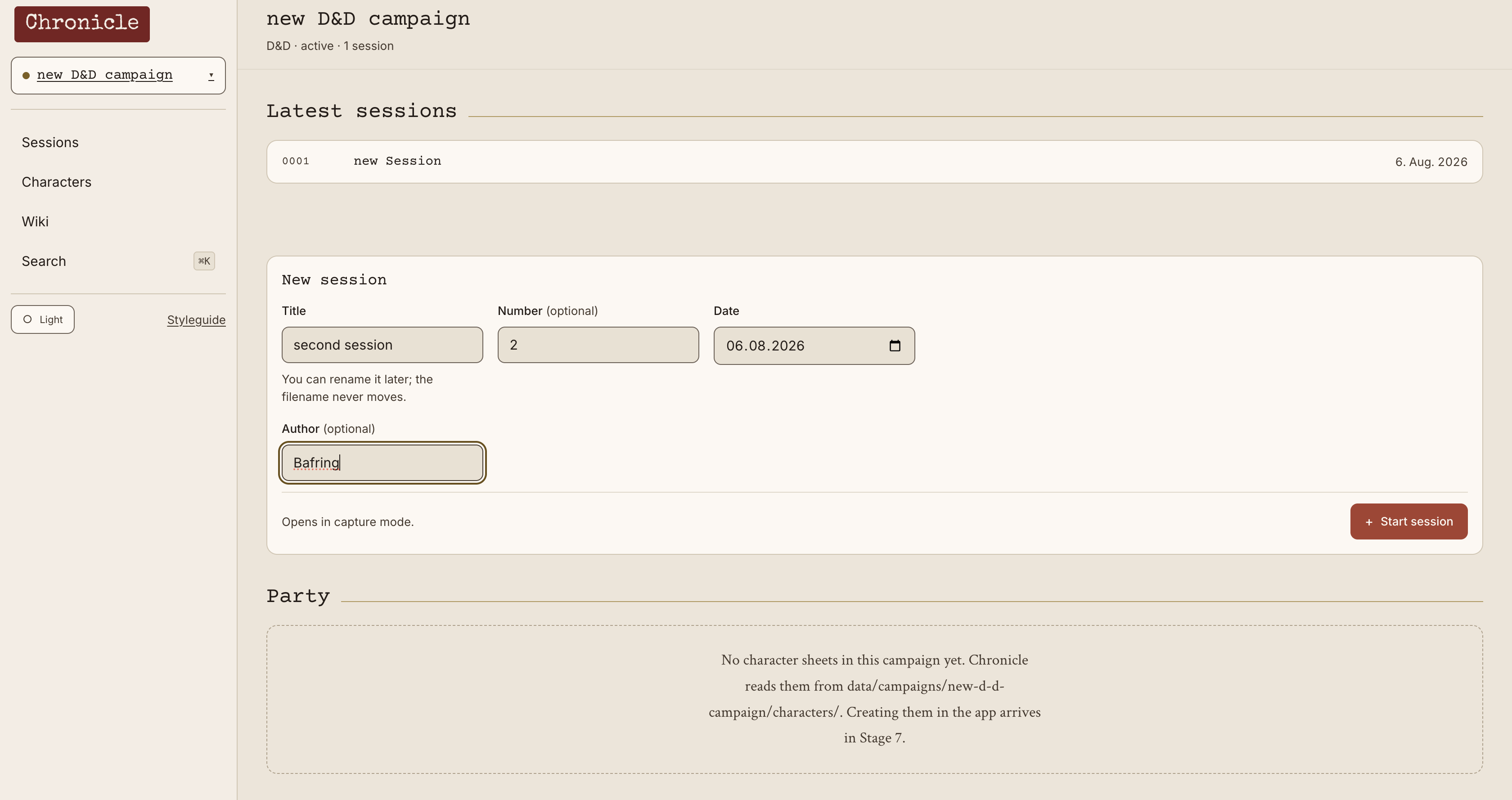
- Dark and light themes
- Local Markdown storage
- Windows, macOS and Linux support
Still in development
Chronicle is early software, and I'd rather be clear about that than pretend it's finished.
Planned features include:
- Character sheets & resource tracking — HP, mana and other system-specific resources
- PDF export — both a keepsake version and a printer-friendly version
- Importing session files — bring Markdown sessions from other players into your campaign
The core is already there: write your sessions, connect your campaign into a wiki, and keep your data locally.
Your data, your files
Chronicle stores campaign data in:
data/campaigns/
Everything is plain Markdown.
Chronicle also keeps local safety copies, but these are stored on the same computer. Back up your campaign folder yourself if the notes are important to you.
Requirements
Python 3.11 or newer A modern web browser
Chronicle runs a small local server on your computer and opens in your normal browser.
The first launch sets up its own Python environment and installs the required dependencies. After that, starting Chronicle again is much quicker.
No account is required.
No Chronicle server is required.
Your campaign stays on your machine.
Early software — feedback welcome
Chronicle is a small project I'm building because I wanted a better way to keep track of my own campaigns.
If you try it, I'd love to hear what works, what doesn't, and what you'd want to see next.
Download Chronicle, start a campaign, and see if it fits the way you play.
Download
Click download now to get access to the following files:
Leave a comment
Log in with itch.io to leave a comment.